






Lulu Balance Check: Online, App and In-Store Methods in the UAE
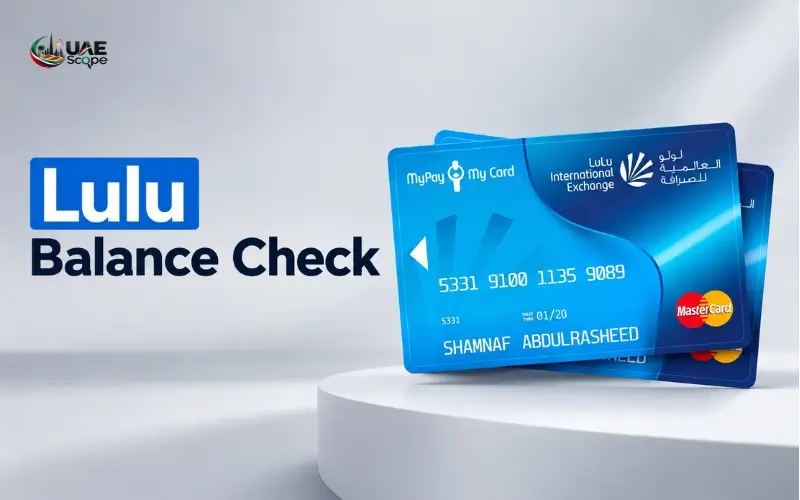
A LuLu balance check in the UAE depends on the type of card you hold. Those who have a salary card with LuLu Money can check the balance of their salary card in the official LuLu Money app, and those who have a LuLu Hypermarket gift card should refer to the card’s instructions or contact the store to verify the remaining balance.
To check your balance, identify your card first and choose the correct method. This guide provides details on checking your balance online, via a mobile app, finding your customer care contact information, popular issues, and security measures that will help you get accurate balance information.
Quick Facts
| Detail | Information |
| Country covered | United Arab Emirates |
| Shopping gift card | LuLu Hypermarket |
| Salary and prepaid cards | LuLu Money |
| Official app for money cards | LuLu Money |
| LuLu Hypermarket phone | 600 540 048 |
| LuLu Hypermarket WhatsApp | +971 800 5858 |
| LuLu Money customer care | 600 522 204 |
| Best approach | Identify your card before checking its balance |
The above contact information is provided via the relevant LuLu channels. Assuming that Hypermarket and Money services have the same balance system is a bad idea; you should use the support team of the product you are using.
Identify Your LuLu Card
Make sure you know what product you are checking the balance of before doing so. There could be confusion when names are similar – a supermarket gift card is a card for buying groceries; a salary card is a card used by employees to pay their salaries.
LuLu Hypermarket Gift Card
A LuLu gift card is a gift card with prepaid shopping dollars, which may be used in accordance with the terms of the card. It may be a personal gift, an employee reward, or a digital gift card.
The appropriate service for this card is LuLu Hypermarket. If your card doesn’t have a verified balance check at one of the many sites that offer them, contact the retailer or visit a retailer with a verified balance check rather than providing your details to a site you don’t know.
LuLu Money Salary Card
If a person has a salary-disbursement service with LuLu Exchange, the salary card is connected to this service. The customer can control the card digitally and can see his/her balance from the official LuLu Money application.
The official UAE FAQ gives instructions on how to check the card balance within the application.
LuLu Money Digital Wallet or Travel Card
A digital wallet and multi-currency travel card are not the same as a supermarket gift card. The wallet could also contain money for payments and transfers, and the travel card can keep balances in the supported currencies.
According to the official FAQ of LuLu Money, customers can see the wallet balances, transactions, and activities of their card in the application.
How to Check Your LuLu Money Card Balance Online
In the case of the LuLu Money salary card, the best verified solution is the official mobile card app. If you can access your available balance from your account, you don’t have to visit a branch to see it.
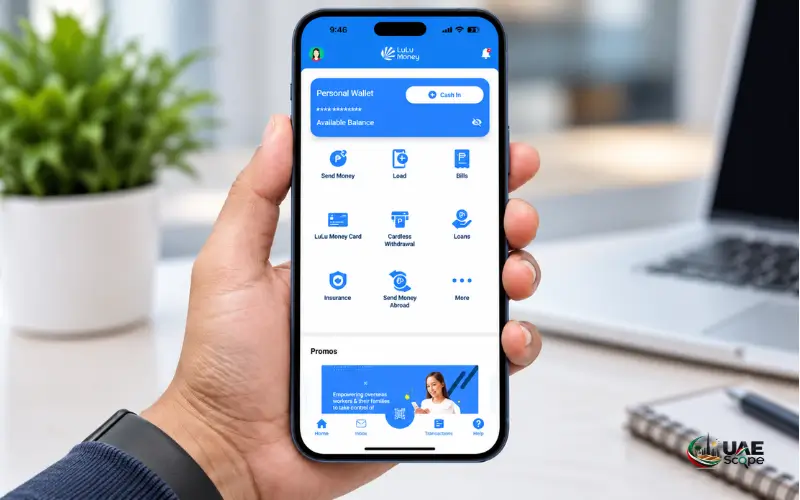
Steps to View Your Available Balance
- Open the official LuLu Money app on your cellphone.
- Use your registered account to sign in.
- Tap LuLu Money Cards on the home screen.
- If that’s not available, click on More and then go to My Cards.
- Find your virtual card and see the balance of the virtual card on the screen.
The official UAE FAQ of LuLu Money has all information regarding these navigation options. The exact screen appearance can change when applications are updated and if you have certain services turned on in your account.
Creating an account just to ask for your balance should not be necessary if you’ve already added your card to your account. If the card does not show up, check to see if you are signed into the right profile and whether a card has been linked or activated as per instructions.
Can You Check the Balance Without the App?
The balance viewing through the application is detailed in the official instructions. They do not create a single web portal that functions for all LuLu Money cards.
In case you are unable to access the app, please reach out to LuLu Money Customer Care at 600 522 204 or email customercare@ae.luluexchange.com. Request an alternative way of making a balance enquiry for your specific card.
If you find a login page on a different website for online access or an SMS code or telephone banking service, DO NOT assume that these are for your card. There may be different eligibility and systems for different products.
How to Check a LuLu Gift Card Balance
In case you do not have a salary card, leverage the retailer’s customer service channels with a shopping card. They have a dedicated online balance checker, so that’s something that needs to be checked for any particular gift card. The official UAE shopping website has contact details, including telephone support and WhatsApp.
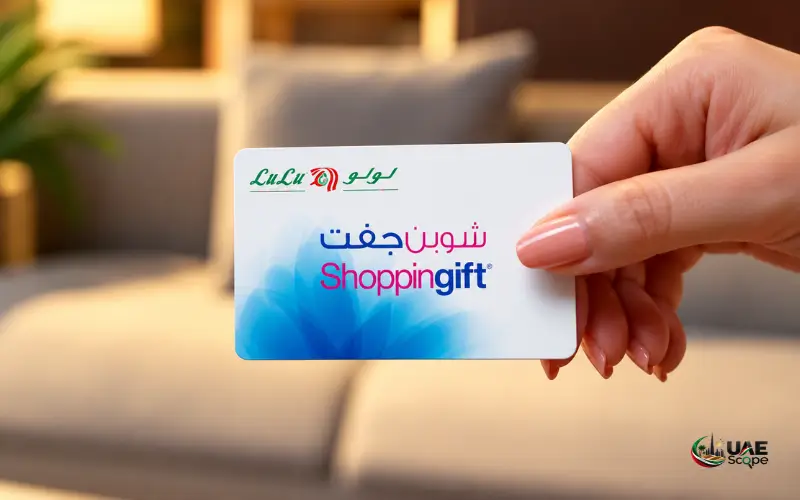
Method 1: Contact LuLu Hypermarket
If you can’t check online to confirm your balance on a gift card, this is a good place to start.
- Have gift card/e-gift card information handy.
- Reach out to LuLu Hypermarket via their customer service.
- Describe that the UAE gift card has a remaining value to be confirmed.
- Follow the representative’s directions for verifying the card.
- Ask about any restrictions, expiry conditions, or redemption issues affecting the remaining amount.
UAE contact details are published as follows:
- Telephone: 600 540 048
- WhatsApp: +971 800 5858
This information is listed on the official LuLu Hypermarket UAE shopping site.
Do not feed in data other than what is required via the approved support channel. Do not provide a banking password, app PIN, or one-time password to anyone asking for a gift card for any reason.
Method 2: Visit a LuLu Hypermarket Store
If you like to go to the store, you can go to a LuLu Hypermarket and ask the customer service desk if they can check how much money is still left on your card.
Take the physical card with you. If it is an electronic gift card, save the original email or message that includes the information. It may be necessary for staff to check the card or its number to give you advice.
Certain types of cards and issuers may not have an in-store enquiry available. The conditions of a card that is issued under a corporate rewards scheme or via a partner can be different to that of a typical retail gift card.
Method 3: Review Your E-Gift Card Details
If your gift card is electronic, review the initial e-mail, SMS, or delivery message.
Look for:
- The name of the provider and the place where to redeem the gift card.
- Card number/redemption code.
- PIN or security code provided with the card.
- The date of issue and period of validity.
- Instructions for checking the remaining balance.
Note that the amount of the original gift is not always reflected in the remaining amount in the email. This may have been a previously bought or redeemed item, which could have lowered the value.
If the message takes you to an external balancing portal, ensure that the portal in which you will enter the balance details is authorised for your specific card. Not all gift cards will be verified via the LuLu Money app.
LuLu Money Wallet Balance Check
The LuLu Money digital wallet is not for grocery shopping but for money. It is recommended to check its balance via the financial account related to the wallet.
As per LuLu Money, the official information for the UAE, eligible users can control their wallet and related card services via the app. The wallet service also provides transfer and payment capabilities as long as your account is eligible and requirements are met.
Steps to Check Your Wallet Funds
- Open the official LuLu Money App.
- Log in to your registered account.
- Unlock the wallet or account that you have access to.
- Check the balance and the recent transactions shown.
- If you have several currency wallets installed, check each one for the respective currency in question.
This is crucial if customers have a multi-currency travel card. The value of one currency does not necessarily mean the value in another currency without exchange, conversion, etc.
For instance, a customer could have AED in one wallet and USD in another. When you pay to an overseas wallet, make sure you check the balance of that wallet, and also read the currency-priority settings on the card.
The official travel-card FAQ has to do with the fact that it has a functionality for viewing the available wallet balance and transactions via the App.
Other Balance-Checking Methods
There are several online articles that refer to SMS codes and ATM enquiries or website portals. But these methods are not applicable to all LuLu products.
ATM Balance Enquiry
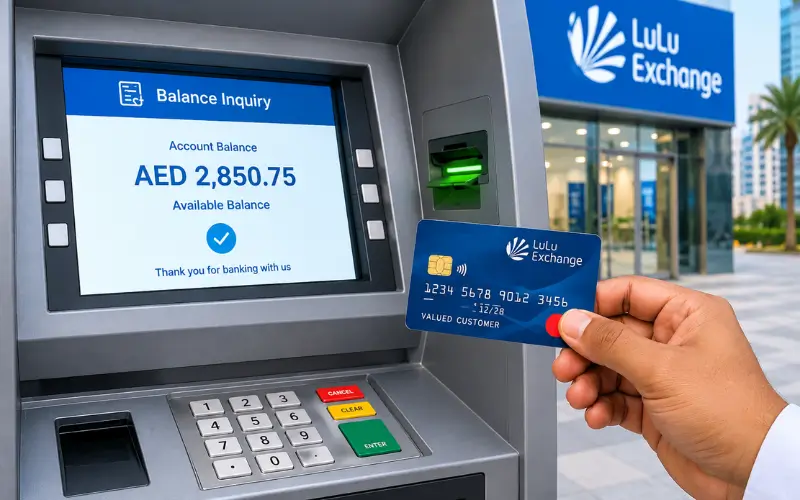
Depending on the card and terms, an eligible LuLu Money card can be used to enquire about the balance at an ATM. According to the current fee structure of LuLu’s Visa travel card, the fee for enquiring about the ATM balance will be AED 2. Other products may have different charges and conditions; consult the conditions applicable to the use of this method.
Use an ATM: Insert your card, and follow the instructions displayed and, if provided, choose the balance enquiry option. Guard against sharing your PIN, cover the keypad and remove your card after the transaction has been completed.
A supermarket gift card is NOT an ATM card. Please use the retailer’s approved redemption/customer service channels if you have a shopping voucher.
SMS Balance Enquiry
Never use an SMS code without verifying with LuLu that it is for your specific product. The code issued for a specific telecom voucher, salary card, or country may not be valid for a UAE gift card or digital wallet.
For a reliable LuLu balance check, confirm the supported method through the official service provider before sending a message or incurring any charges.
Online Account or Website
While some cards and digital services have online accounts, having a general LuLu website login doesn’t mean that your card balance will be displayed there.
If you are using a salary card or wallet, start from the official LuLu Money app. In case of a supermarket gift card, follow the instructions provided on the gift card or directly contact LuLu Hypermarket.
Common Balance Check Problems
An enquiry to see if there are funds on your card may fail even if the card is legitimate and accepted by the bank and you have funds in your account. Next, determine if the issue is related to access, card status, or the actual transaction.
Balance Is Not Showing in the App
First, check that you are logged into the right account. Then look to see if the card is listed in the menu of cards under the appropriate card.
To check if the card is missing, see if it needs to be added, activated, or linked to your account. If the problem persists, reach out to LuLu Money support instead of making an additional LuLu Money profile.
The Displayed Balance Seems Incorrect
Available balance may vary from the balance loaded or received. Recent purchases, withdrawals, fees, transfers, and pending transactions could impact the amount available for spending.
Check your transaction log and match up what you see in the transaction with your receipts. If you see something you don’t recognize, ask the provider for an explanation.
A Card Payment Has Failed
An unsuccessful payment does not necessarily mean zero balance. This could be due to limited available credit, a locked card, a credit limit reached, a mismatched PIN, or it not being accepted by the merchant.
The official FAQ for LuLu Money travel card suggests checking the wallet balance, card status, spending limits, and merchant acceptance.
If your payment went through but your balance was reduced, look to see if the payment is pending or reversed before trying to make the same payment over and over.
The Gift Card Is Not Accepted
Ensure that the card is valid for the store and transaction you’re trying to make. Check the validity of the code, any expiration criteria, and whether the card has been used before.
If the problem persists, retain your purchase receipt or gift-card delivery message and contact LuLu Hypermarket. A support representative will be able to give you guidance on what to do after verification of the card.
Important Security Precautions
Balance inquiries are monetary or redemption-type requests, which must be made through official channels, and the credentials must be kept confidential.
- Verify the website: Ensure that the site is the official LuLu Hypermarket or LuLu Money website instead of an unfamiliar balance-check site.
- Protect your PIN: Do not share your PIN with any other person for your app, card PIN, or OTP.
- Keep transaction records: Save receipts, transaction confirmations, and gift-card e-mails until the balance is settled.
- Report suspicious activity: If you see that something is being done without permission, notify the appropriate provider as soon as possible.
- Secure a lost card: If you lose your LuLu Money card or it is stolen, lock it within the card controls in the app and get in touch with customer support.
According to the official travel-card information on LuLu Money, customers can lock and unlock their supported travel cards from the app and contact customer support in case of lost cards.
Conclusion
Once you’ve determined your card type, it’s easy to check your LuLu balance in the UAE. For LuLu Money salary cardholders, they can find out how much money they have in their money cards via the official app; for LuLu Hypermarket gift cardholders, they can find out the instructions for their cards or contact the customer service of LuLu Hypermarket to find out how much money they have in their cards.
For a smooth LuLu balance check, always use official channels and review your transaction history if the displayed amount seems incorrect. Don’t give out your card details and contact the appropriate support team if you encounter any problems in accessing your balance.
Read Also: NBAD Balance Check: How to Check Your FAB Account Balance Online
ATM Balance Check in the UAE: How to Check Your Bank Balance
Nol Card Balance Check: How to Check Your Balance Online in Dubai
Frequently Asked Questions
How can I check my LuLu card balance in the UAE?
Check the balance of the salary card or wallet through its official app, LuLu Money. Refer to the instructions on the card or contact LuLu Hypermarket customer service for a LuLu Hypermarket gift card.
Is there an online balance-check website?
The balance of LuLu Money cards can be checked using the official app. For gift cards, please follow the instructions provided or call LuLu Hypermarket.
Can I check my balance without visiting a store?
Yes, LuLu Money cardholders who meet the requirements can check their balance via the application. A gift card owner can call customer service to check his or her account balance.
What is the LuLu Money customer care number?
The LuLu Money UAE customer care number is 600 522 204. Please also contact customer care (customercare@ae.luluexchange.com) for any additional questions.
What is the LuLu Hypermarket customer service number?
Visit 600 540 048 or WhatsApp +971 800 5858 and get assistance with your gift card or shopping query.
Can I check a gift card balance through an ATM?
Most supermarket gift cards are not intended for enquiries about the card’s balance at an ATM. Read the card instructions or contact the card issuer for the proper way to use the card.
Why is my available balance lower than expected?
Your available balance may be less than the amount you purchased recently or the amount you are waiting to purchase, or it may be impacted by applicable fees. If you see that you don’t remember making a deduction, check your transactions and reach out to customer service.
Is checking a balance free?
It will vary depending on the card and the method employed. Please consult the fee schedule on your card; some balance enquiries may incur a fee.